Launching a new website is an exciting moment, especially when you’ve spent weeks getting the design, content, and functionality just right. However, once your website goes live, keeping it secure becomes another important responsibility.
Even small business websites can attract unwanted attention from hackers, automated bots, and scammers. Fortunately, protecting your new website doesn’t have to be particularly complicated or expensive. Here are some practical steps you can take to keep your website secure from the beginning.
Keep Your Website Software Updated
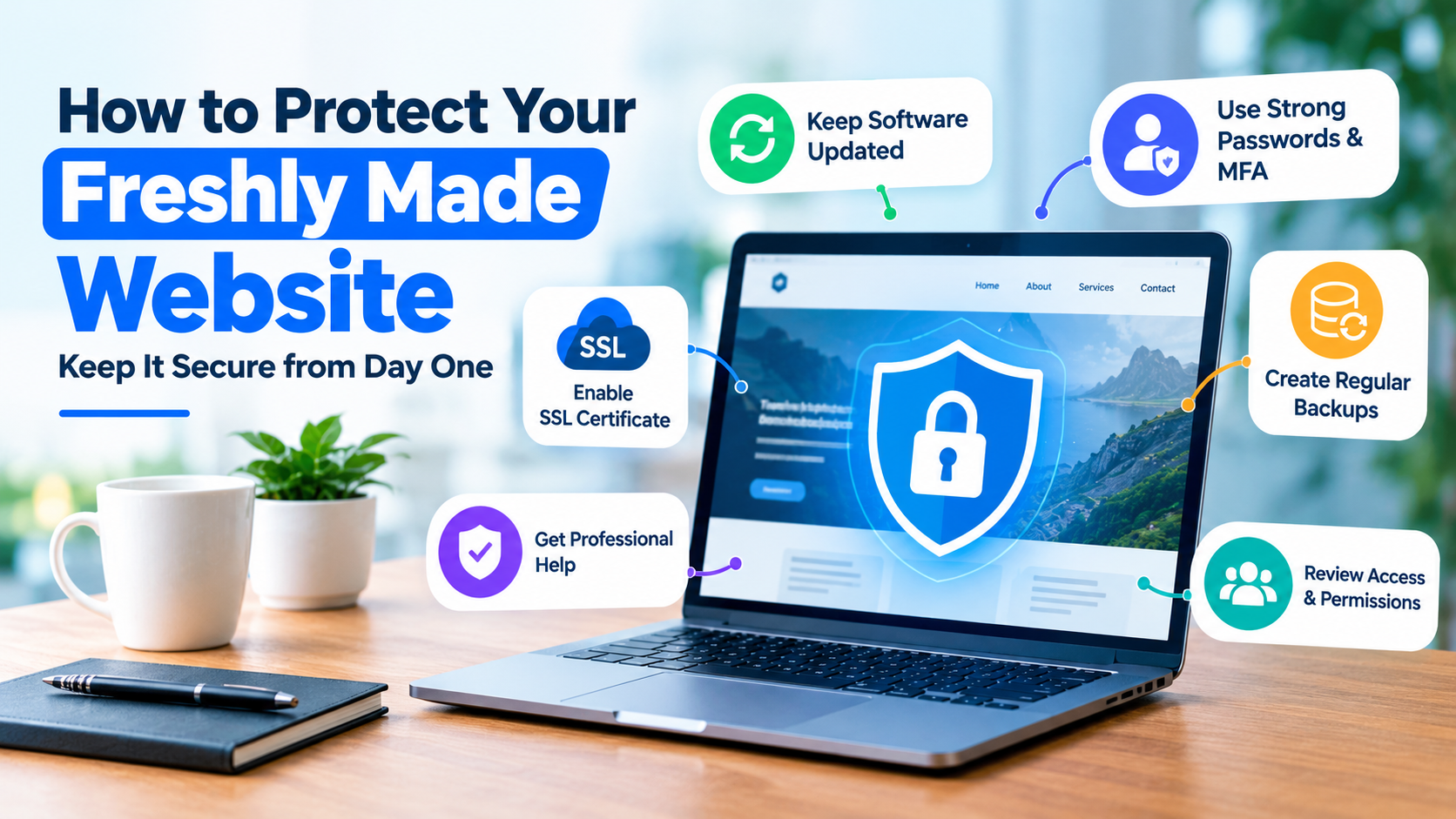
One of the easiest ways for hackers to access a website is through outdated software. If your website uses WordPress or another content management system, regularly check for updates to its software, themes, and plugins. These updates often contain security fixes that address newly discovered vulnerabilities.
Enable automatic security updates where appropriate, but remember to back up your website before making significant changes. This gives you a way to restore everything if an update causes problems.
Get Professional Help Where Necessary
Not every business owner has the technical knowledge to identify security weaknesses, particularly when managing a website alongside their everyday responsibilities. Working with specialists can help identify potential vulnerabilities before they become serious problems.
For businesses requiring additional protection, professional cyber security companies can provide services such as threat monitoring, network security, and protection against unauthorised access. Smaller websites may only need straightforward security measures initially, but you are still at risk if you don’t get any form of protection. Ask your web designer or hosting provider what protection is already included before paying for additional services.
Use Strong Passwords and Extra Login Protection
Your website’s administration area is particularly valuable to hackers because gaining access could allow them to change content, steal information, or redirect visitors elsewhere. Protect your accounts by using unique passwords that aren’t shared with other services. A password manager can generate and securely store complicated passwords, removing the need to remember them yourself.
Where available, enable multi-factor authentication. This adds another verification step when logging in, making it harder for someone to access your account using a stolen password.
Make Sure Your Website Has an SSL Certificate
An SSL certificate enables encrypted connections between your website and its visitors, helping protect information transmitted between them. You can usually recognise an encrypted connection by the HTTPS prefix in your website address.
Many hosting providers include SSL certificates free of charge, so check whether yours is already installed and configured correctly. However, remember that HTTPS doesn’t automatically make a website completely secure. Yes, it protects information in transit but won’t prevent every type of cyberattack.
Create Regular Website Backups
Even with good security measures, unexpected problems can still happen. A faulty update, accidental deletion, or cyberattack could leave your website inaccessible. Regular backups allow you to restore your website without rebuilding everything from scratch.
Ideally, your backup arrangements should include:
- Automatic backups scheduled according to how frequently your website changes.
- Copies stored separately from your website’s hosting environment.
- Occasional restoration tests to confirm your backups actually work.
If your hosting provider handles backups, check how long copies are retained and whether restoring them costs extra.
Review Who Has Access to Your Website
During development, designers, developers, and other contractors may need access to your website. Once the project is finished, review these accounts and remove access that is no longer required. Give remaining users only the permissions necessary for their responsibilities.
Make Website Security an Ongoing Habit
Protecting a website isn’t something you do once and forget about. Set aside a little time each month to check updates, review backups, and confirm that everything is working as expected.